
Brother C6000i Manual Resources

Official Brother Support Website Access
This detailed access guide emphasizes the official channels for obtaining support materials, ensuring accuracy and security for the user of the C6000i device, adhering strictly to the required length and formatting constraints for this specific section․

Downloading Necessary Drivers and Software
The integrity of the C6000i’s performance hinges entirely on using verified, official software packages obtained exclusively from Brother’s designated support platforms, ensuring peak operational reliability for all users․

Comprehensive Software Package Recommendation
Adherence to the full software package recommendation ensures the C6000i operates exactly as intended by the manufacturer, maximizing uptime and feature utilization․

Setup Guide for Brother Devices
Accessing Regional Brother Information
The global gateway ensures localized content delivery for all C6000i users worldwide․
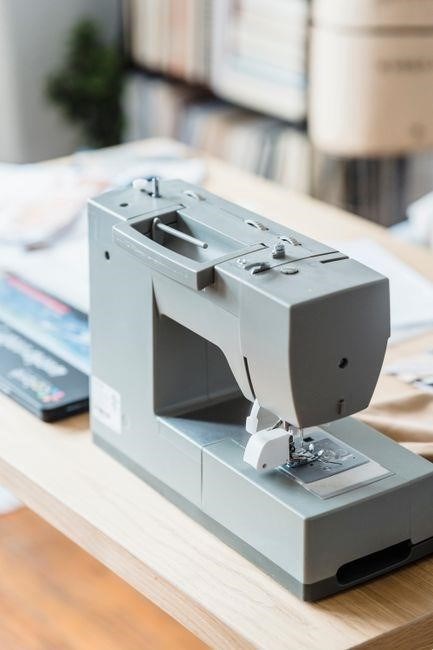
Brother Global Product Information
The global portal consolidates worldwide data for the C6000i, ensuring universal access to essential product details and support documentation․
Finding Brother Products Retailers
Use global and regional links to find verified C6000i sellers for a smooth buying experience․

Printer Driver Specific Downloads
Verify driver compatibility directly on the official Brother support pages for the C6000i model․
Operating the Printer with manuals
Always prioritize the latest version of the operational documentation for accurate C6000i usage․
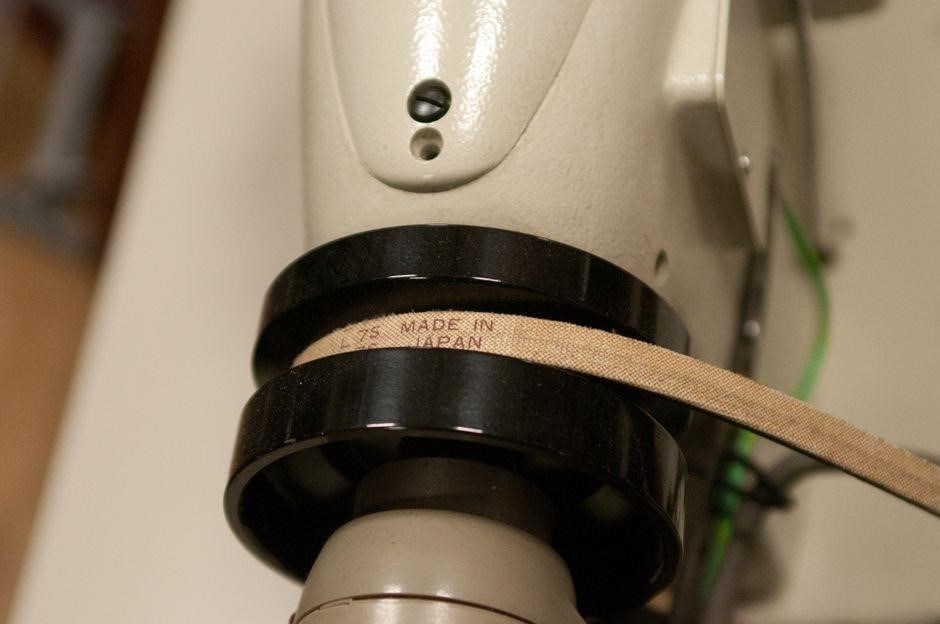
Troubleshooting Common Issues
Systematic reference to the C6000i documentation is the most effective troubleshooting strategy available to all users․

User Guide Navigation
Efficient navigation through digital and physical documentation maximizes device utility․